
How to Make 3D Hologram Video Content: The Complete Guide
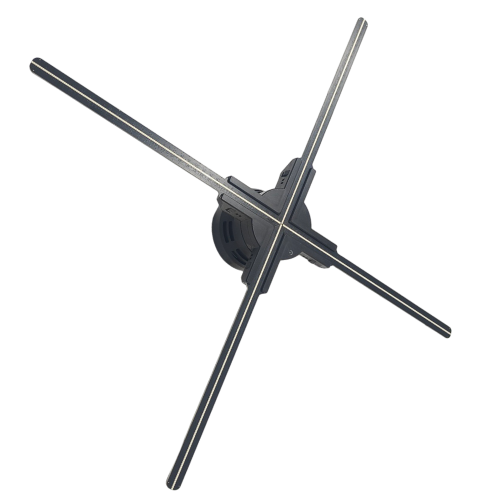
The hardware is only half the magic. A 3D hologram fan is essentially a canvas; the real "wow factor" comes from the 3D video content playing on it. If you upload a standard 2D video, it will just look like a spinning TV screen. Here is how to create true 3D holographic content.
The Golden Rule: Pure Black Background
The most important rule of holographic content is that True Black (#000000) is invisible. Because the fan uses LED lights, any pixel that is pure black simply does not light up. The spinning blades disappear in the darkness, leaving only the illuminated parts of your video floating in mid-air.
If you have a video of a spinning shoe on a white background, you will see a giant white square floating in the air with a shoe in it. You must use video editing software (like Adobe Premiere, After Effects, or CapCut) to remove the background and replace it with pure black.
Creating Native 3D Content (For Professionals)
To get the most mind-bending effects, the content should be rendered in 3D software like Blender, Cinema4D, or Maya. By animating objects rotating 360 degrees and applying lighting that matches the physical environment where the fan will be placed, you trick the human brain into perceiving physical depth.
Converting Formats
Most modern Wi-Fi enabled fans from Mangal Sen & Sons accept standard MP4, AVI, or RMVB files directly through the smartphone app. The app automatically converts the video into the proprietary .BIN format required by the hardware. Just ensure your video is perfectly square (e.g., 1024x1024 pixels) for the best results on a circular fan.
Don't have an in-house 3D animator? Our creative team can design a custom 3D floating logo for your brand.
Request 3D Animation